

 By
What to do if your smart home devices keep disconnecting from Wi-Fi
It could be something very simple.
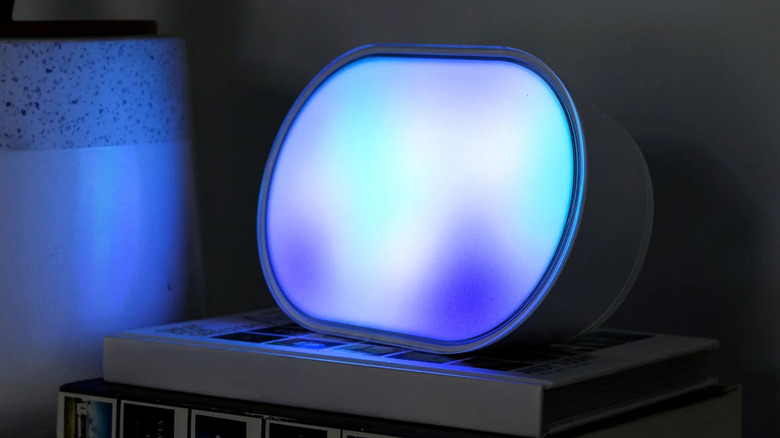
It’s strange that Apple is only now beginning to take the smart home market seriously with the launch of the HomeView smart display and the rest of the Apple Home Collection. Affordable consumer gear has been around for years, and when it’s well-made and well-configured, it can not only simplify your life but also save you money. Smart thermostats are more efficient, and smart lighting can be set to turn on only when and where you need it — although it’s more fun to make your living room look like Los Angeles in Blade Runner 2049.
One hassle is that some accessories don’t play well with Wi-Fi. They have a tendency to drop out of apps, assuming you can even set them up in the first place. And needless to say, a home fixture you can’t count on is all but worthless. You wouldn’t put up with a microwave that only cooked dinner on Tuesdays and Fridays.
Thankfully, there are a few tactics you can use to cope with these misbehaving devices. We’re not going to lie, though — in some circumstances, a hardware upgrade is in order. You may want to minimize the number of Wi-Fi-based products in your home in general.
Why Wi-Fi accessories drop out, and how to fix it

If you’re still using a Wi-Fi 5 router, stop everything and upgrade to Wi-Fi 6 or 7. The issue is connection limits. On Wi-Fi 5, the practical limit for simultaneous connections is around 10 to 25 devices, perhaps 30 if you’re lucky. That’s plenty in a home without smart home gear, but once accessories start filling up those connection slots, problems are inevitable. Your router is going to start kicking some devices to make room, and chances are your phone and laptop are going to win out over a lamp.
Another problem is that many cheaper accessories are limited to the 2.4GHz band. On a mesh Wi-Fi system, setting up these accessories can be difficult or impossible, since there’s a unified SSID (network ID) with automatic band steering — your phone might end up on 5 or 6GHz, preventing some apps from detecting the new gear. If you’re lucky enough to successfully configure a product, there might still be a possibility of later detection failures.
Speaking of which, let’s talk about HomeKit. Apple’s platform is prone to “No Response” errors in situations where Amazon Alexa and Google Home operate just fine. The company has tried to smooth this out in recent years with an overhauled framework, but if you want a bulletproof setup, you may need an equally bulletproof Wi-Fi network. That could include two or more Apple home hubs for the sake of control redundancy. You can use a mix of HomePods, HomeViews or Apple TV 4Ks.
There’s also a more basic concern we haven’t touched on yet, and that’s range. If an accessory is sitting on the fringes, it’s naturally going to drop out when conditions are less than ideal. If you can’t reposition devices or your router, it may be time to upgrade to a mesh system, as long as that doesn’t wreak havoc for specific accessories. Alternatively, if you have a standalone router, you might try enabling separate 2.4 and 5GHz SSIDs, and forcing all of your smart home accessories over to the longer-range 2.4GHz band.
The best Wi-Fi is the least Wi-Fi

Ultimately, the best approach is to transition as many accessories as possible over to alternate protocols, namely Thread, Zigbee or Z-Wave. These do require a Wi-Fi hub, or in the case of Thread, a Wi-Fi-enabled “border router” accessory. The benefit, however, is that they not only reduce the burden on your Wi-Fi network but they also tend to be faster and more reliable. They’re mesh-based — extending their reach — and hub-based accessories (like Philips Hue Zigbee lights) can continue to run some automations when the internet is down.
Thread is probably your best bet, since some routers, speakers and displays have border router features built in, as do products like Nanoleaf light panels. There is an asterisk, though: bandwidth. Like Zigbee and Z-Wave, Thread is a low-power standard, so it simply can’t carry enough data for functions like audio, video or even vacuuming. It’s mostly limited to bulbs, locks, plugs and sensors.
Some degree of Wi-Fi reliance is unavoidable, then. But if you find the right mix and know how to troubleshoot recurring issues, it shouldn’t be a big deal. Just have fallbacks ready for internet outages.
https://www.engadget.com/2300349/smart-home-devices-disconnecting-wifi/