
 By

Hot on the heels of Anthropic’s MCP sniffing AI models, Google has decided to grace your Gemini Pro subscription with AI tools that actually go out and do things on your behalf.
I’ve been passing mundane tasks to my Gemini through Gemini Notebook and Gems, but the new Task feature is a proper upgrade. I have been using it to track discounts, offers, and price drops for things I want to buy online, and it works.
Here’s everything you need to know about the Google Gemini Schedulefeature before getting started.
I am scheduled for a good offer
Here’s how to set it up
Gemini is slowly evolving from a chatbot into an AI that can access your connected Google apps and execute tasks on your behalf. It comes as a 24/7 bot called Gemini Spark, and as alarming as that may sound, Google Gemini cannot do anything without your permission.
There’s now an extension of this skill called Schedule. It existed before the update, but it was clunky. Google has updated it with a settings page to fine-tune the automation and made it reliable.
However, you will need a Gemini Pro subscription or higher to schedule tasks.
Here’s how to enable a scheduled task in Google Gemini. Click the hamburger menu in the upper-left corner, and then click Scheduled. Here, you can define a scheduled task you want Gemini to run at set intervals.
You don’t have to mess with the toggles; you can use the chat box and explain what you want the automation to do.
I told Gemini to track a smartphone price drop and notify me when the price drops below $200.
I initially ran a sweeping check for a price drop on the Samsung Galaxy S26 Ultra at Best Buy, but that open-ended approach burned through my tokens. It’s better to rein in the automation with time intervals and specific dates.
It’s all about timing
Even a toddler can do it
If you set up the automation for a deal hunt on Best Buy across a category, you will burn through tokens in an instant. So it’s better if you know what you want to buy during the Black Friday sale period.
While Google is happy to pocket more cash from your automated search queries, it’s better to narrow your choices and set time limits for scheduled tasks.
I told Gemini to find reliable product links online, and then I cross-checked the website myself.
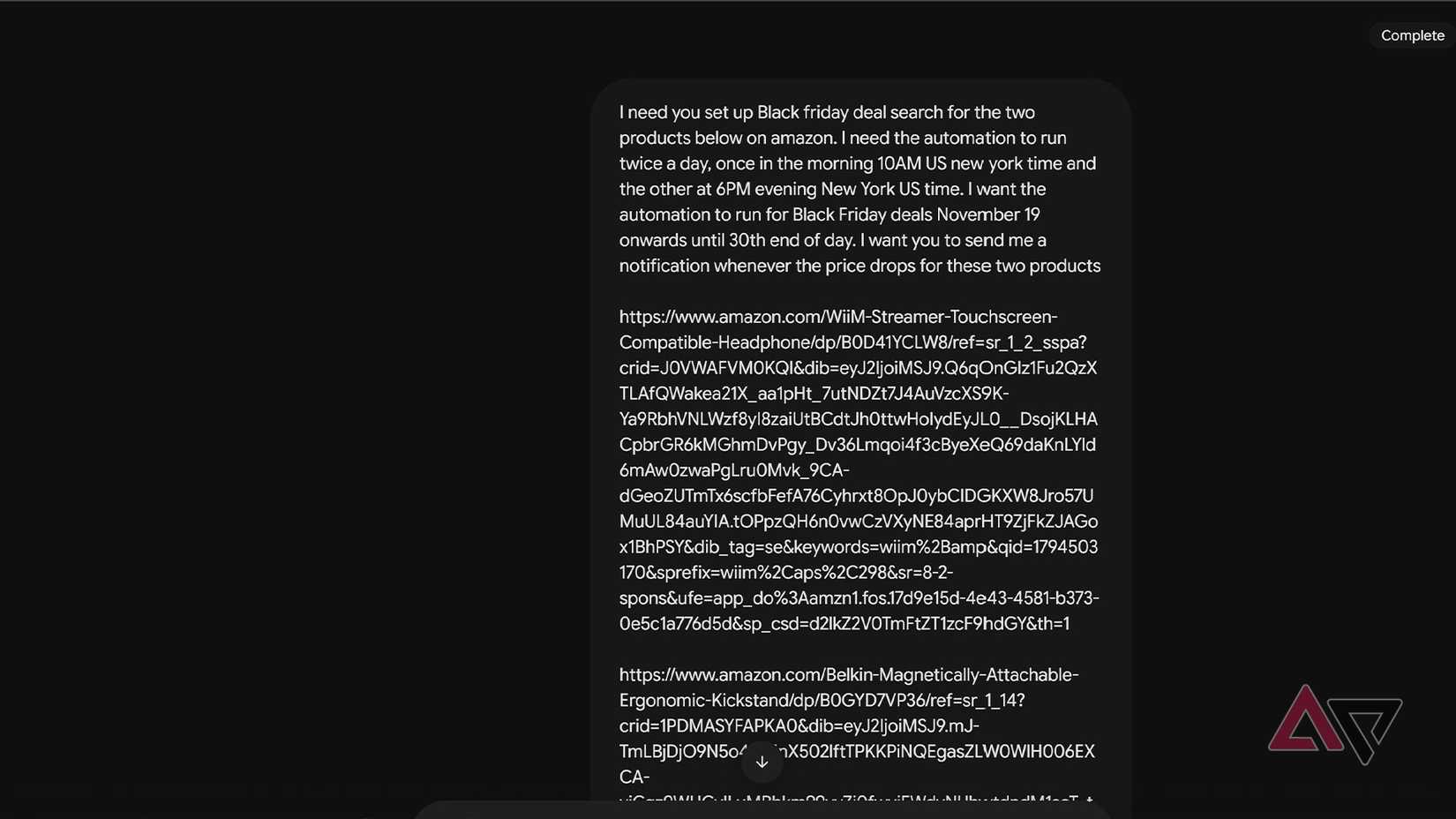
I wanted to buy these products during the sale, so I told it to set up an automation to run twice a day from the 19th to the 30th of November.
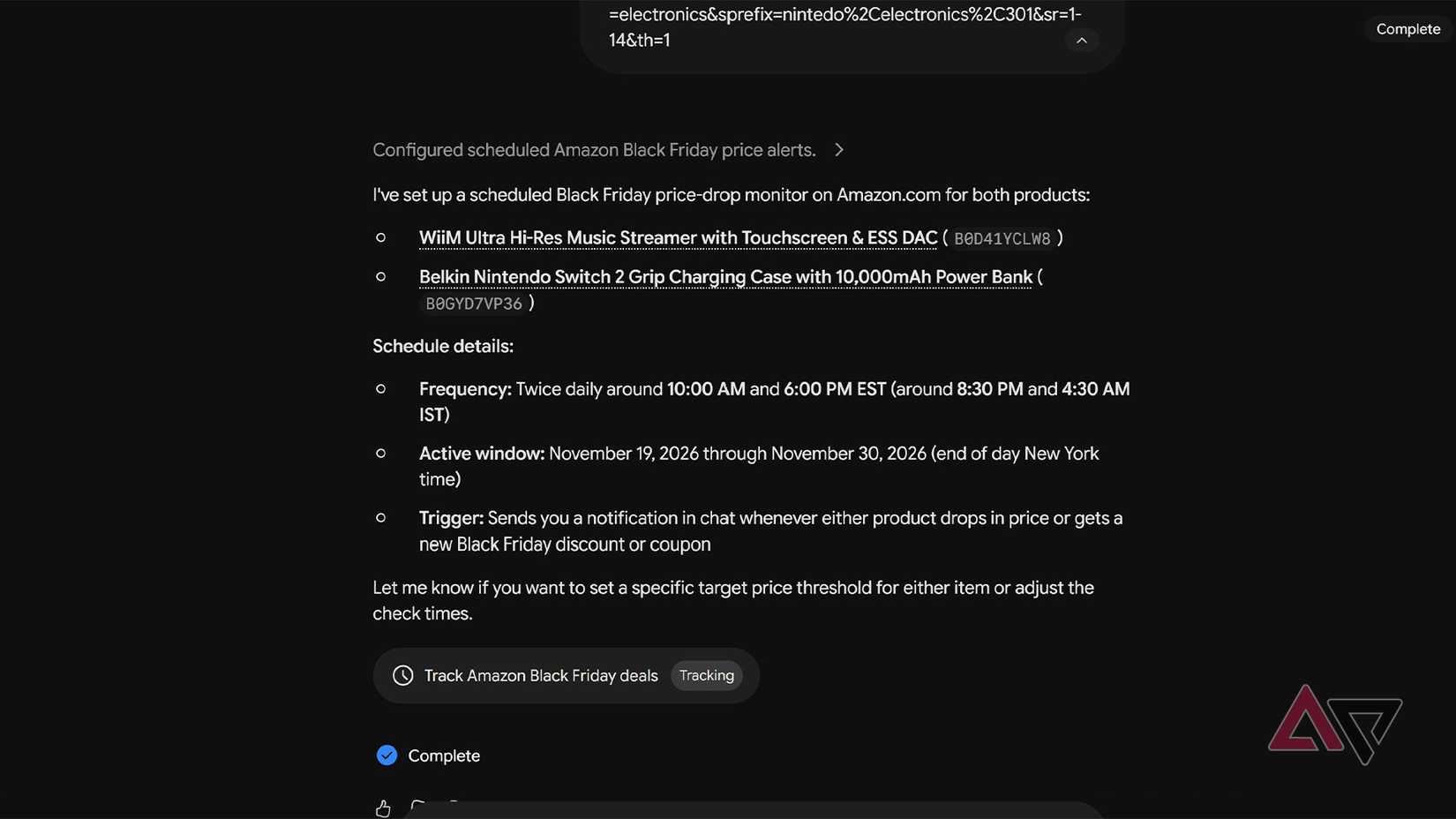
Now Gemini runs a scheduled task to check the websites for price drops during the Black Friday sale period. This way, Gemini doesn’t burn through my token usage.
You can either set up scheduled tasks per product or set up a single task to run across multiple websites and product pages at a scheduled time and date.
If you don’t want the AI to mess up an important opportunity, set up a separate automation for the product with multiple websites listing the product.
Amazon is gatekeeping
This hidden Alexa integration helps
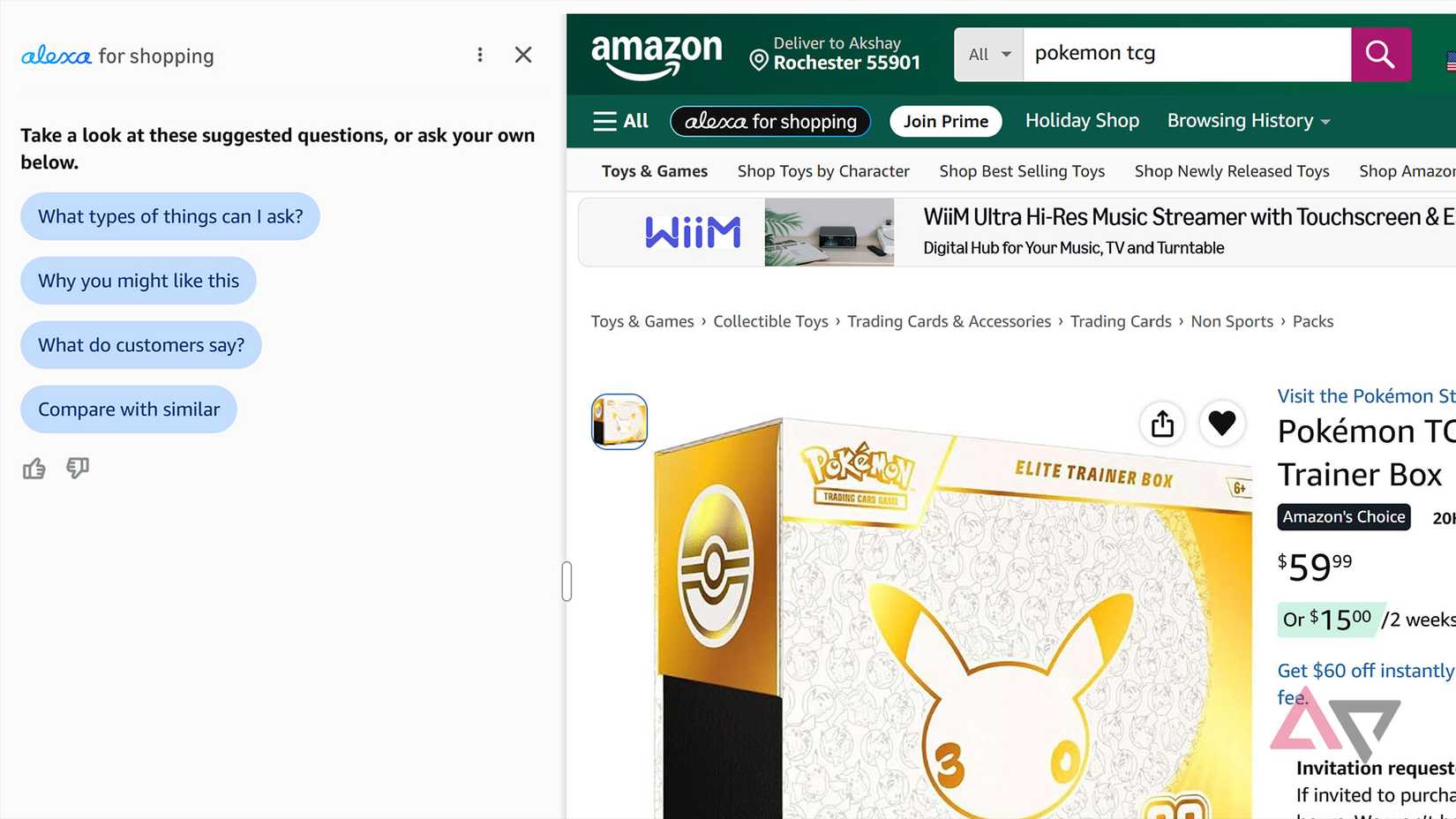
Gemini’s task feature uses a built-in browser similar to Claude’s. However, this browser cannot access Amazon.
It’s better to first check with Gemini whether it can access the website links you provided, or provide the product name and ask Gemini to search for sale listings on websites it can access.
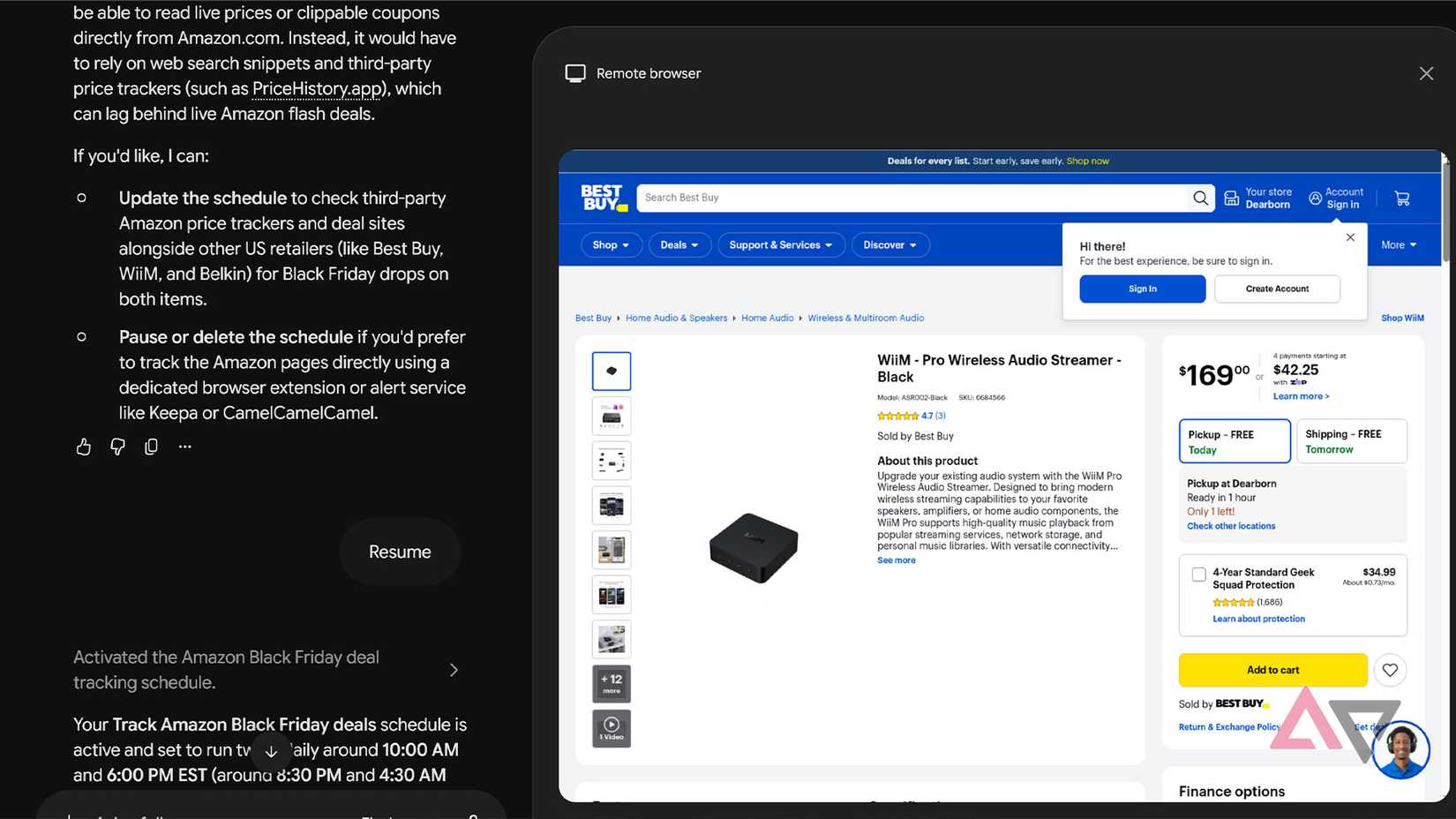
Most brand websites allow access to AI bots and Google crawlers for indexing, and during my testing, Best Buy allows Gemini to search for products.
However, the biggest Black Friday sale is always on Amazon, but the website has blocked Gemini.
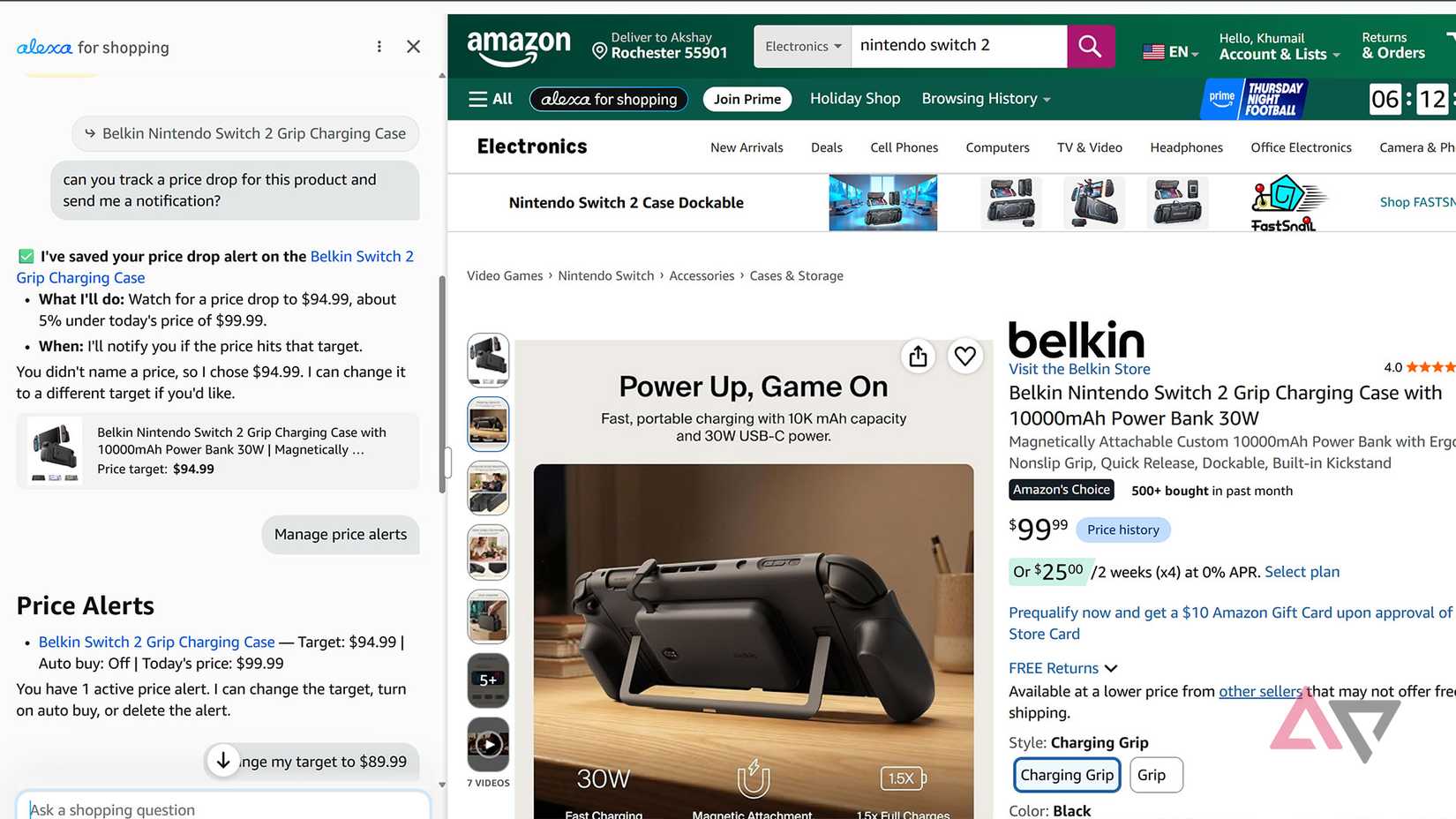
Amazon has upgraded its system. It combined Rufus with the Alexa model, and now the built-in AI system does price charting and auto-buys for you. You can set up Alexa to auto-buy anything if the price drops to a certain amount.
This is a great workaround for anyone who wants to use only Amazon for purchases, and it’s simple to set up.
You can set up automation for the Amazon website through the Alexa for Shopping tab in the upper-left corner, next to the hamburger menu.
This is a free service for now, and it continues and remembers conversations across Echo devices, Alexa.com, the Alexa app, Fire tablets, and Fire TV.
Get the police to do it
You summoned us?
Amazon has confirmed the dates of its Black Friday sale, but these 5 Android phone deals are available now!
While all these automation tools and discount-sniffing AI bots are cool and save time. You can always circle back to the Android Police website for regular updates on discounts on smartphones, headphones, accessories, and more.
Click the hamburger menu in the upper-left corner of the website and scroll down to Deals or click here. We update this section regularly with the best deals.